Proto*
- Year
- 2024
- Type
- Work Project
TL;DR
Planned and conducted user research for a CLI tool approaching beta at Canonical. Built a browser-based CLI prototyping tool from scratch when existing tools couldn't support the research. Ran qualitative interviews with five participants, synthesized findings into a heuristics matrix, and presented prioritized recommendations that the team implemented. The prototyping tool was later developed into an open-source project.
The digital infrastructure software that Canonical develops can be quite challenging to set up and install. And so was MAAS (Metal as a Service), the product I was working on at the time. Especially if you want to deploy MAAS in high-availability (setting up three identical installations so if one fails another can take over), things can become tricky. That’s why the MAAS team worked on a CLI tool that makes installing MAAS in HA easier: MAAS Anvil.
The team was preparing MAAS Anvil for a beta release and wanted to identify significant usability gaps beforehand. There were also new features being considered that had several possible implementation approaches, essentially different ways to build a plugin system into the tool, and no one on the team was sure which would work best for users.
Defining the research
There was a genuine risk here. If we committed to an implementation approach that users didn’t find intuitive, it would take significant effort to change course later. And the cost of doing the research was relatively low. Our main user base was internal, so finding participants and arranging sessions could happen quickly. The case for user research mostly made itself.
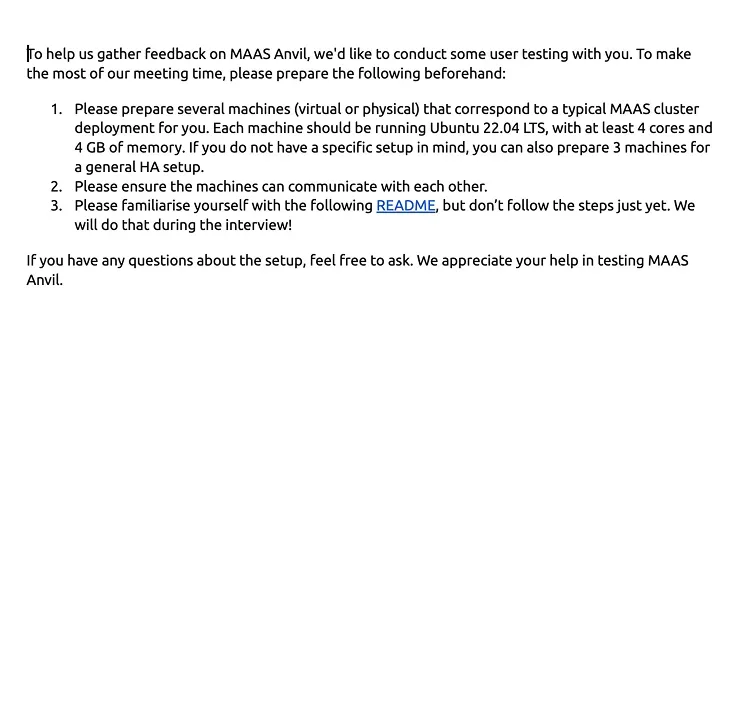
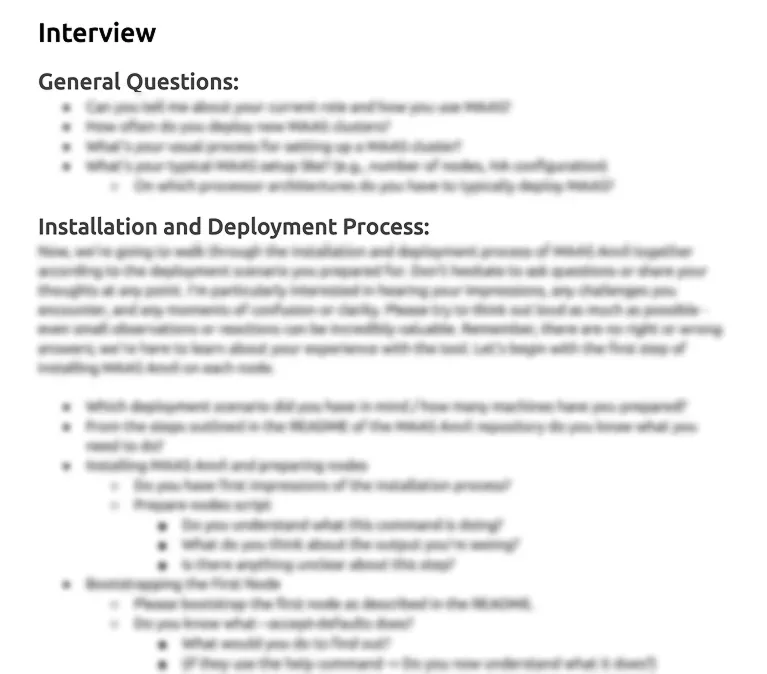
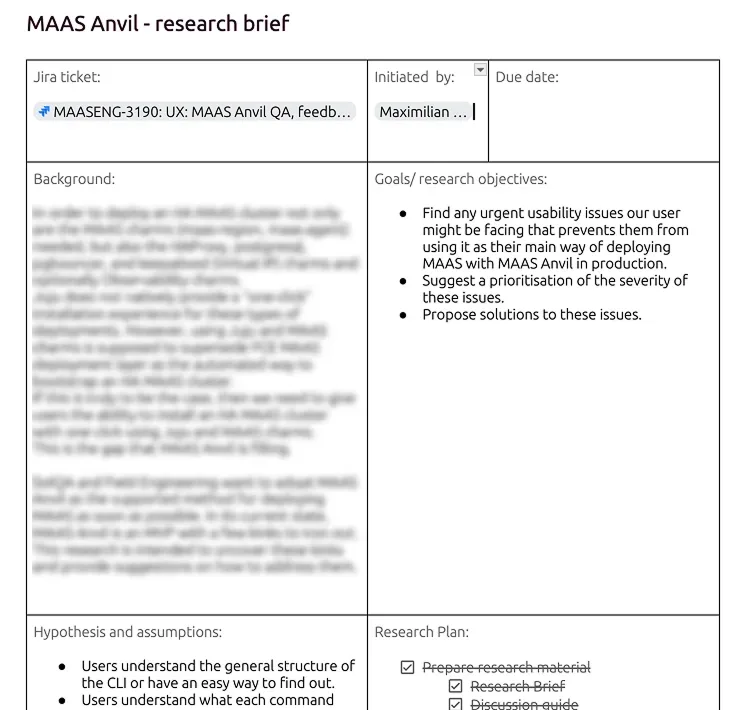
I created a research brief outlining the purpose of the study, the assumptions to be tested, and my methodology. After sharing this with the team to make sure we were aligned on objectives, I developed an interview guide. During this process, I realized that testing the different implementation options would require some form of prototype. Users needed to actually interact with the different approaches to have an informed opinion.
User testing CLIs
But there aren’t any good options for prototyping and user testing command-line interfaces. Figma prototypes don’t work because users can’t type actual commands, only click through predetermined paths. Reviewing command structures in a document doesn’t provide the interaction depth of a real CLI experience. And while coding a functioning CLI would be technically possible, it would require participants to install software before interviews. That’s an immediate barrier when working with system administrators who are understandably skeptical about installing unknown packages on their systems.
Ideally, the solution would be as frictionless as Figma prototypes, where you can simply send a link to participants.
This prompted me to hack together a CLI prototyping tool on my own on a Friday afternoon. I knew about xterm.js, a terminal library used by established apps like Visual Studio Code. I used it and other libraries to build a prototype that emulated a terminal environment entirely in the browser, with no installation required.
The fidelity is an interesting thing with CLI prototypes. CLI interfaces are inherently low-fidelity, it’s just text in a terminal. But that also makes it relatively easy to create something that looks and behaves like a real CLI. So the prototype was kind of both low and high fidelity at the same time. It looked and felt like the real thing.
Users were free to try other commands like ls or whatever you’d normally find
in a Linux terminal, but those wouldn’t work in the prototype. I think this was
actually a good thing. It kept users from straying too far from the paths we
were testing (some curious engineers would otherwise start exploring the
environment), while still being informative about what they would try to do.
Unrecognized commands returned typical terminal responses, command not found, or
the CLI’s help menu. Just like a real terminal would. The different
implementation options were all available in the same prototype. I just told
participants the appropriate starting command for each scenario.
Running the sessions
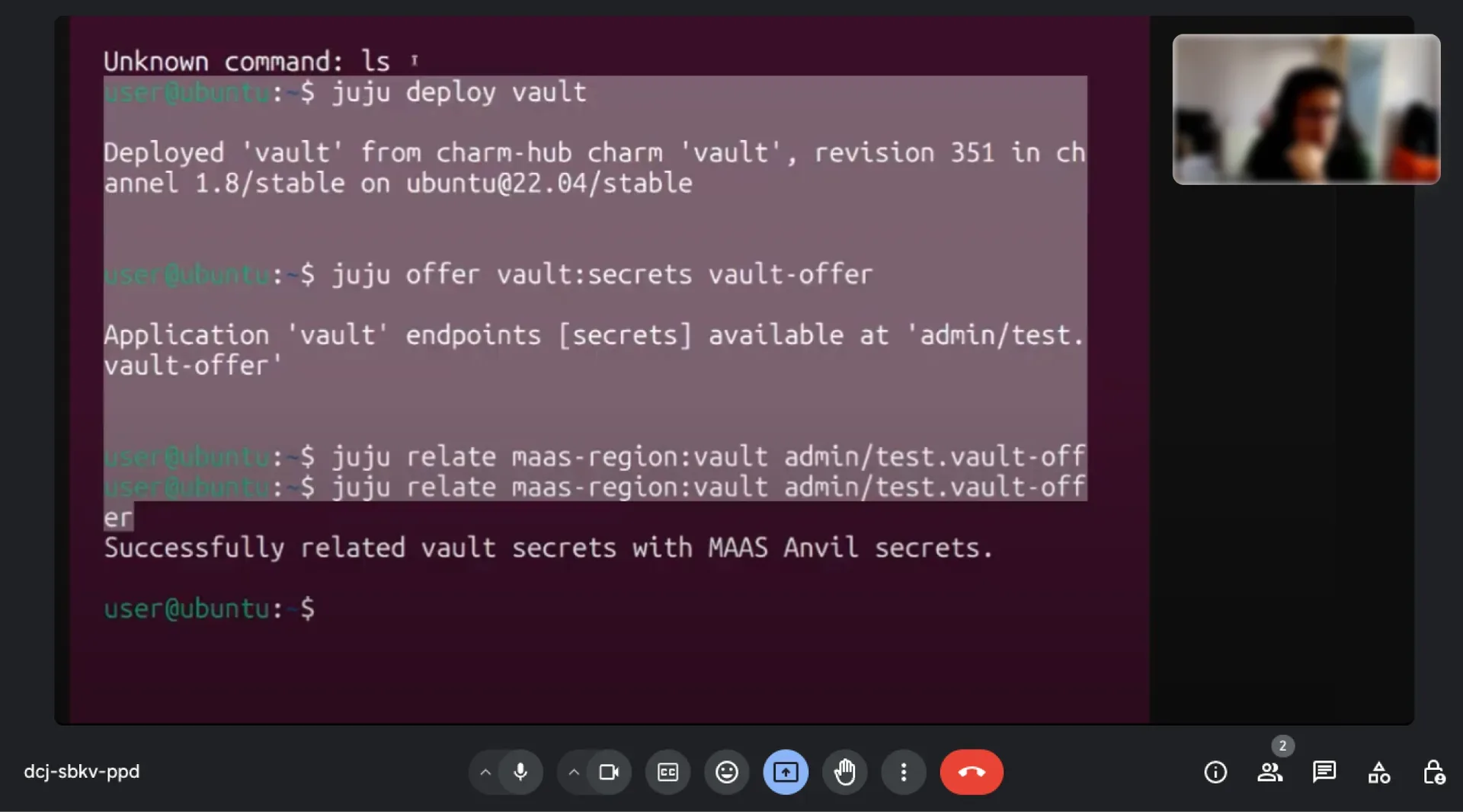
I ran five qualitative interviews with internal participants. Qualitative because we needed to understand not just which option users preferred, but why, so we could model our solution toward their reasoning.
The browser-based approach worked well. No friction with installation, no issues with different system requirements, no suspicion about installing a random package. That alone validated the assumption that a prototype like this would work for CLI research.
From the different implementation options we were testing, one was a clear favorite. It matched users’ mental model of how they expected the system to work, so it felt intuitive to them.
The biggest finding across all sessions was documentation. Users didn’t find the existing help messages and documentation complete enough to feel confident operating the tool. This became the highest priority improvement.
One participant was particularly interested in the prototyping tool itself. They started thinking about use cases beyond user testing, things like customer showcases or embedding something like this on a documentation website.
Sharing findings with the team
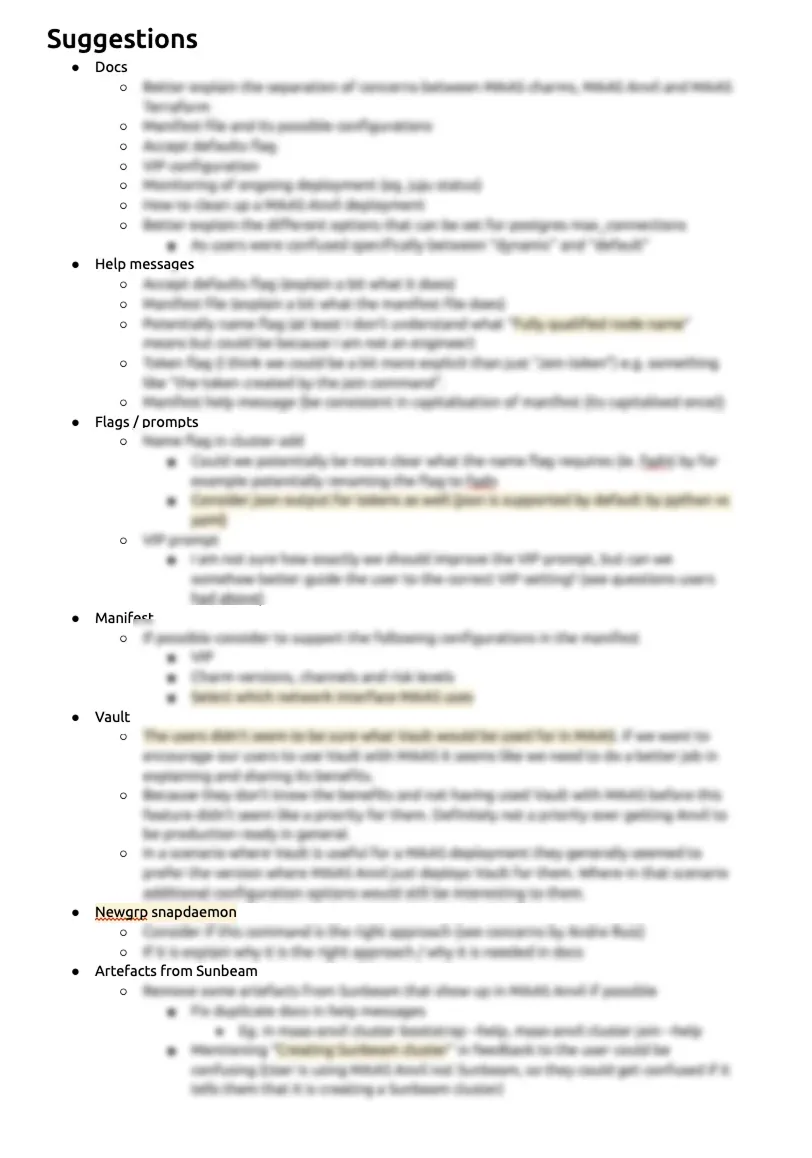

I shared the findings in two ways. First, a general presentation to the whole product team, giving everyone an overview of what I did and what I found. Second, a more detailed walkthrough with the engineer responsible for implementation, structured around a UX heuristics matrix.
I chose the heuristics matrix format because I find it’s generally easier to understand for someone not deeply familiar with UX design. It gives a clear framework connecting specific findings to the aspect of usability they affect. Everyone wants a tool that’s more learnable, more efficient, easier to recover from errors. The matrix makes that connection explicit, which I think makes acceptance of the findings easier.
Based on the findings and the heuristics matrix, I suggested a priority for changes. There wasn’t pushback on the recommendations. We implemented the higher-priority suggestions and deliberately set aside some smaller items that I had prioritized as less important, staying within the implementation resources we actually had.
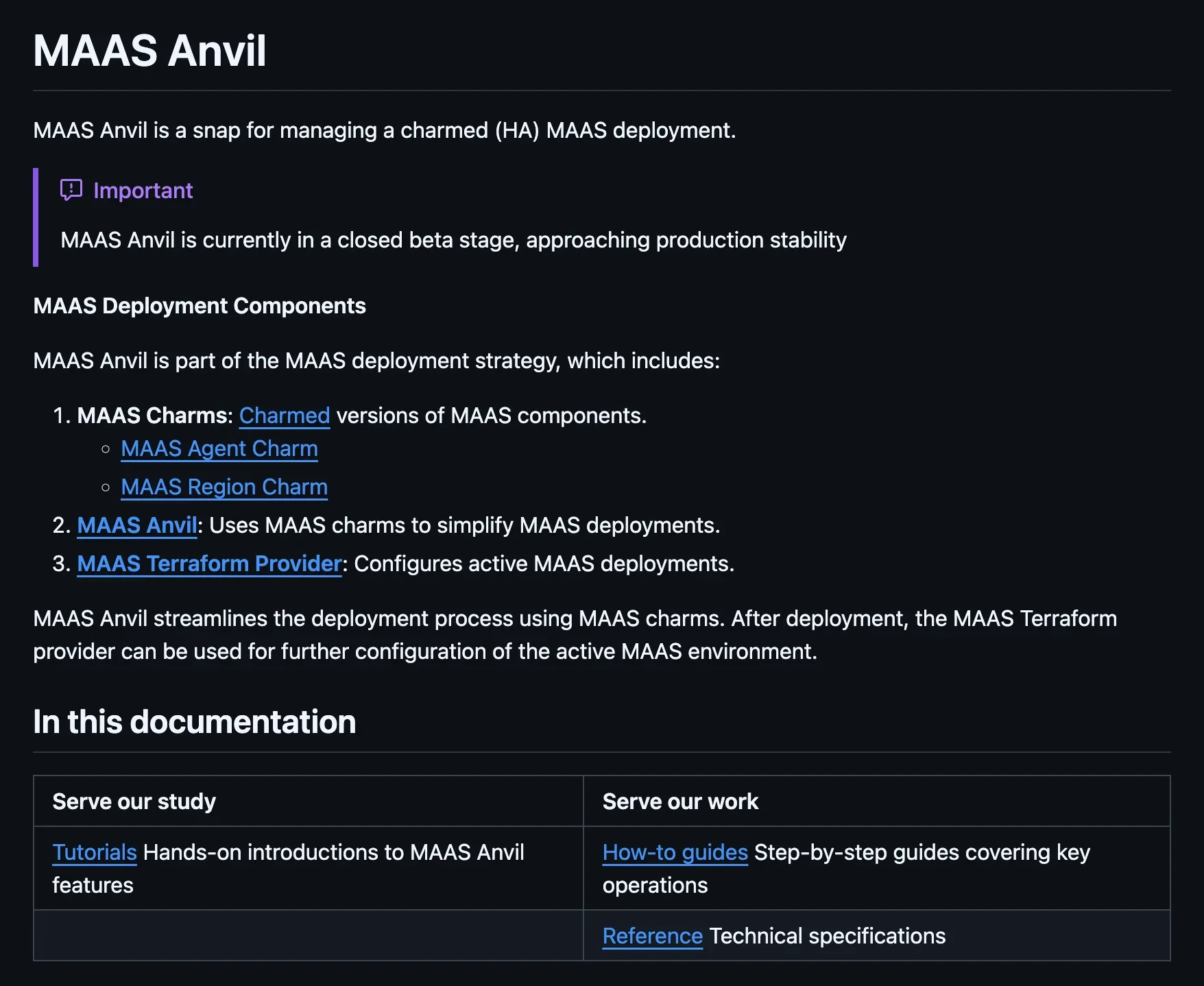
Since documentation was the biggest issue from the research, and I had already built familiarity with the tool and understood what users were unsure about, I helped write the documentation and help messages in the tool myself.
From hack to open-source tool
After the research was done, I reflected on the prototyping tool I had built. The Friday hack was essentially hard-coded, specific to the MAAS Anvil scenarios. To make it useful as an actual prototyping tool, there needed to be an easier way to construct the CLI being prototyped.
The approach I landed on was a structured JSON file where you describe the CLI in a declarative way. You define commands, their responses, flags, and branching paths, and the tool builds the interactive prototype from that. I got feedback from other designers at Canonical to verify this was a format that more technical designers could work with. For now people write the JSON by hand (or with an agent). In the future, a GUI could be added so CLIs can be constructed in a more visual way.
I developed it further and released it as an open-source tool called Protostar.